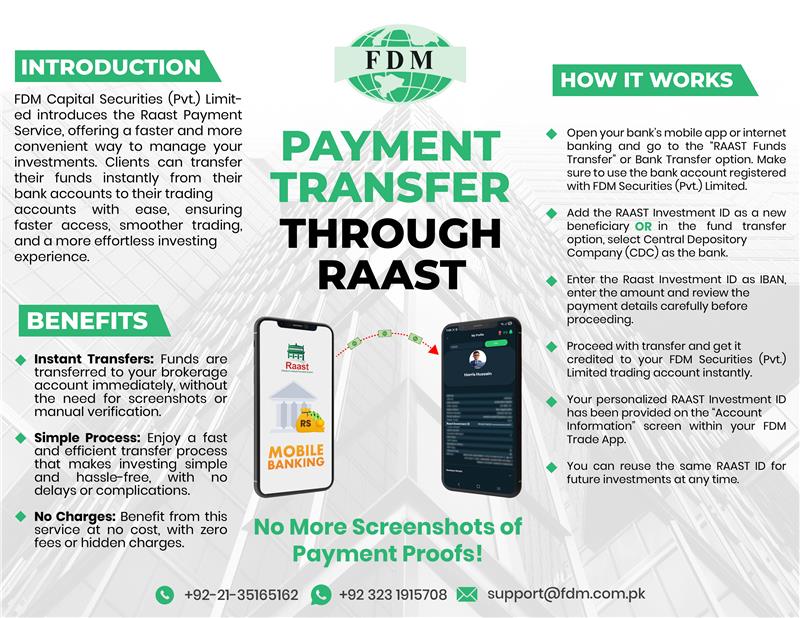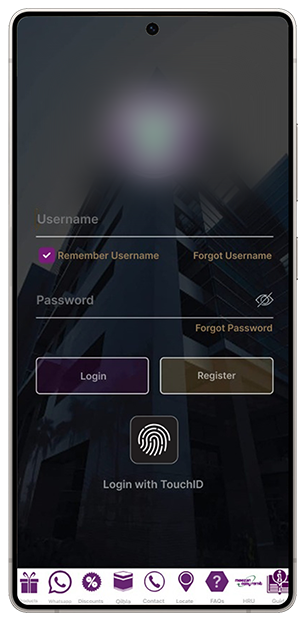
Open your banking application.

Navigate to the RAAST payment section.

Select make new payment.

Choose IBAN as the payment type and
paste the RAAST ID you copied from
the trading app into the IBAN field.


Tap pay now to complete the transaction & and get it credited to your FDM trading account instantly.